Sunday, May 27, 2018

What is white hat hacker?


There are many types of hackers and one of them is white hat hackers, also known as ethical hackers. Today we will discuss what is an ethical hacker.

What is a hacker?
Hacker is a person who uses computer and networking or other skills to overcome technical problems. By hearing term "hacker" the very first thought might be - the person who uses his or her abilities to gain unauthorized access to systems or networks in order to commit crimes, but as mentioned before - there are many types of hackers like an ethical hacker, black hat hacker and grey hat hacker. A hacker may, for example, steal information to hurt people via identity theft, damage or bring down systems and, often, hold those systems hostage to collect a ransom.

What is an ethical hacker?

Ethical hackers, strive to operate in the public's best interest, rather than to create turmoil. Many white hat hackers work doing penetration testing, hired to attempt to break into the company's networks to find and report on security vulnerabilities. The security firms then help their customers mitigate security issues before criminal hackers can exploit them.

Businesses need ethical hackers now more than ever because almost every company invest time, money and resources in securing their systems and platforms to prevent data breaches, illegal intrusions and DDOS attacks. The global cyber spending will most probably cross $1 trillion by 2021. Data breaches happening almost daily, that's why businesses look to ethical hacking professionals who can prevent devastating security intrusions.

Saturday, May 26, 2018

Power of Hashtag

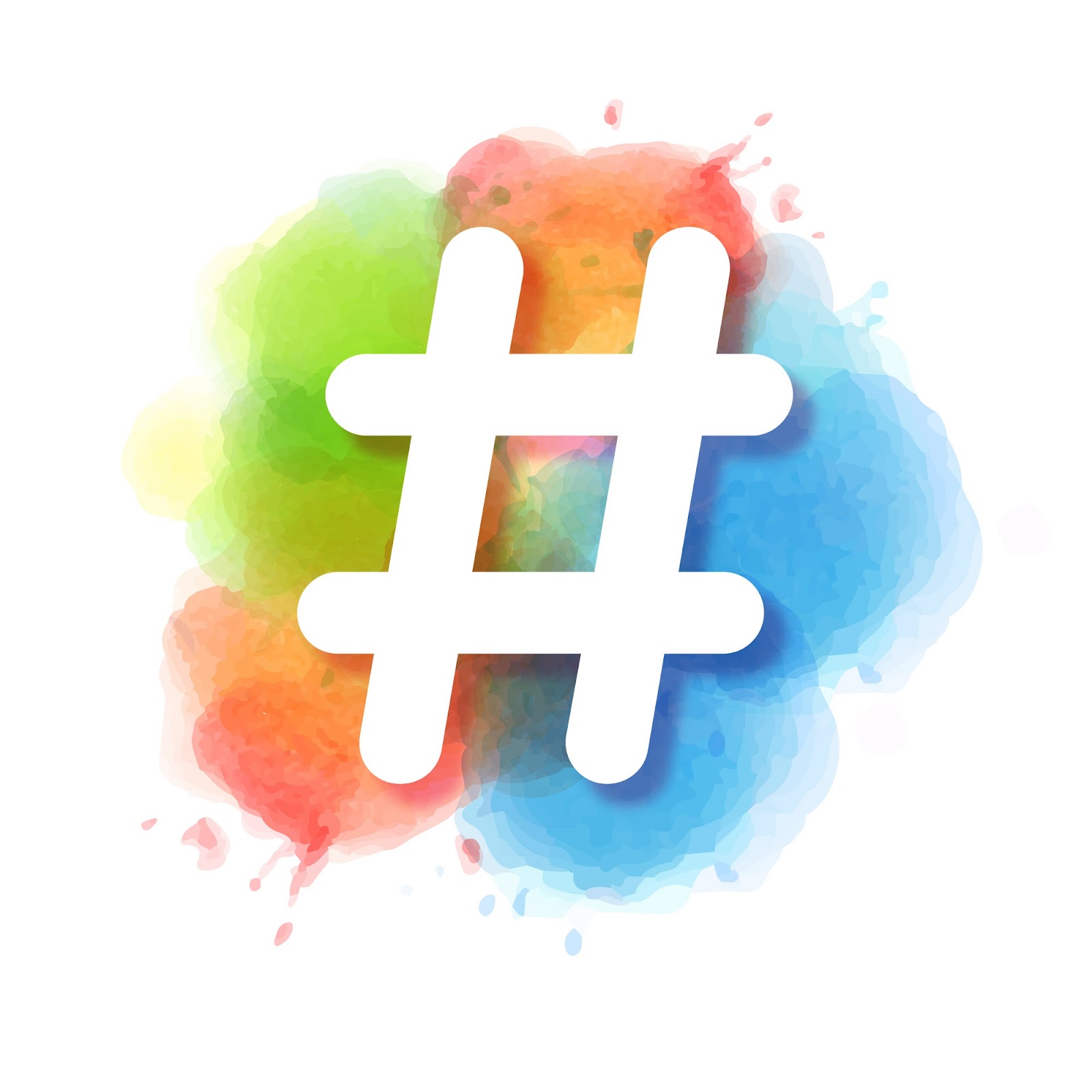
Nowadays hashtags are used by millions on all social networking sites. The idea of using a hashtag came from Chris Messina in 2007 but Twitter added an option for users to search for hashtags only in 2009. It is a way of making it easier for people to find, follow, and contribute to a conversation.

You need to follow some simple rules to make #: no punctuation, special characters like % ‘’ ! and no spaces, start from #, don’t string too many words together with a single hashtag, Avoid over-tagging every word in your post.

Why do you need to use a hashtag?

  • It helps you get found by your target audience.
  • It improves your clickthrough rates
  • A hashtag is an easy way for people to categorize, find and join conversations on a particular topic.
  • Hashtags can help you to communicate with followers, drive engagement for your content, and attract a new audience to your brand.

# should become part of every post so start from popular hashtags in your industry or trending # and move to using specific company hashtag.

Here are facts about the hashtag.

  • Around 125 million hashtags are shared by Twitter’s 328 million users every day.
  • The first hashtag to be used on Twitter was Messina’s sample #barcamp.
  • The term hashtag was added to the Merriam Webster dictionary in 2014. The definition said: “A word or phrase preceded by the symbol # that classifies or categorises the accompanying text (such as a tweet).”
  • It was originally called Octothorpe. AT&T employee Don MacPherson thought the sign needed a more official name, so he chose Octothorpe—“octo” because it has eight points, and “thorpe” because he was a fan of football hero Jim Thorpe.

At the moment, most popular business’ hashtags are #jobs, #business, #sales, #economy, #marketing, #socialmedia, #startup.

What are the most used hashtags for you?

Friday, May 18, 2018

Internationalization and localization of website


In our global world and competition is not possible to be focused on consumers from one region who speak only one language. Every business think about enlargement.

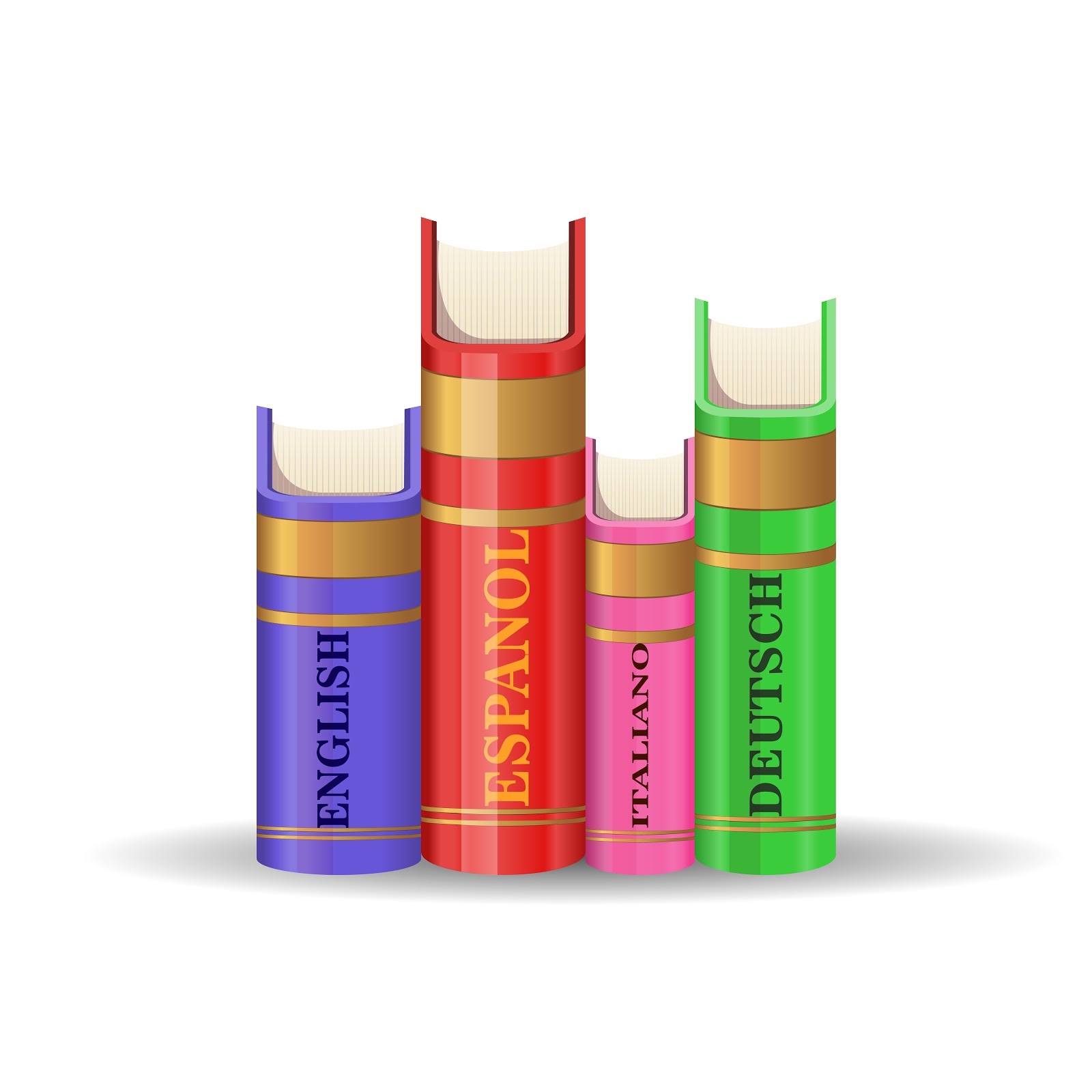
For this reason, your webpage should be translated and available to read in different languages for different people all over the world. It means that we are facing with two definitions “internationalization”and “localization”.

Internationalization (also called globalization) is adaptation by design and develop of website or document content to languages and cultures. For example, varieties of writing direction. English is left to right, but Arabic are right to left. Some Asian languages are read vertically. Internationalization is happening automatically if your website has Unicode. Unicode is a system for "the interchange, processing, and display of the written texts of the diverse languages of the modern world." Unicode has become the top standard for identifying characters in text in nearly any language. It also supports many classical and historical texts in a number of languages.

Localization of website is adaptation to meet the particular language, cultural and other requirements of a specific target local market. It is related with customization. You need to find right words, symbols, images to adapt website to consumers. For example, icon using fingers such as an OK sign mean different things to different cultures. So why many web pages have option to switch between offered languages and choose more acceptable for website visitor. Process of localization needs both programming expertise, linguistic and cultural knowledge.


When you chose localization of website you should think about many aspects. So why it should be smart to involve native speakers and persons with knowledge about cultures. Non-professional translation looks comicand because we could not translate phrases, metaphors, words directly to the target language.

Mistakes on important details do not show respect to specific audience. Think global!

Monday, May 7, 2018

Business cards in 2018

A business card doesn’t show only information about your company or you as a worker but it also is the first impression of your business brand.

Elements you should include in your visit cards:
  • Logo and company name
  • Name, surname and job title
  • Contact information. You want people to contact you tell them how. Nowadays, classic information address is not necessary for all business cards. For example, for photographer more important is to include a phone number or email.
  • Website
Nowadays, some business cards could include information about Social Media profiles but not all.

What is a trend of business card 2018?
Simple design. Minimalism. It helps the client to focus on more important things, for example, company’s name, contact details.
A symbol that expresses your business. It also could be the simplified logo.
Interactive card design or form. Who said that business card should be rectangular. Unusual geometric form business card tells others that your company is creative and pay attention to details. Horizontal layouts are widely used format for a business card but not mandatory.
Oversized typeface. Of course, not for all possible text on the business card.
Die-cut cards. It helps to concentrate on the business card and show “wow” factor. Let clients to think about the message you want to send to them. Step up is handmade business cards.


Unusual material or removable element. Be creative and use wood, recycled paper, metal, cardboard, leather, textile, elastics, even baked goods (cookies). Give sensory experience to clients and stand out.

The digital business card shows that you follow up time. You can quickly share it. Be sure that you didn’t run too far because not all clients are so digitally intelligent.

The company have to think about details of a business card with designers, discuss and choose the best option. The card needs to be suitable for your company and represent it.


Friday, May 4, 2018

What does "™" means?


You have probably seen a ™ sign around. Do you know the usage of it? If no, then after reading this article, you will know what ™ is used for and what it actually is. Let's begin!

Where can you see a ™ sign?
A trademark may be located on a package, a label, a voucher, or on the product itself. For the sake of corporate identity, trademarks are often displayed on company buildings.

What is a ™ sign?
™ full name is Trademark and it identifies products or services of a particular source from those of others, although trademarks used to identify services are usually called service marks. The trademark owner can be an individual, business organization, or any legal entity.

Where is ™ used?
Trademark is used to identify the brand owner of a particular product or service.

Keep in mind:

  • A lot of counties require formal registration of a trademark as a precondition for pursuing this type of action;
  • United States, Canada and other countries also recognize common law trademark rights;
  • common law trademarks offer the holder in general less legal protection than registered trademarks.


History
In 1266, King Henry III of England passed a law requiring all bakers to make a distinctive mark for all the bread they sold. The Löwenbraü brewery in Munich, Germany claims it has used a lion (Löwenbraü means "lion's brew") as its trademark since 1383. The logo of Bass Brewery, which was trademarked in 1876, is the first image to be registered as a trademark in the United Kingdom.

The first modern trademark law was promulgated in France in 1857, and Britain first issued its trademark law, the Merchandise Marks Act, in 1862. The British act made it a criminal offence to try and sell a product under the auspices of another manufacturer.

In the U.S., Congress tried to pass a trademark law in 1870, but it was struck down by the Supreme Court that year. Congress tried again in 1881, which was revised into the Trademark Act in 1905.

Source:
https://www.investopedia.com/terms/t/trademark.asp#ixzz5ENg6yv

Thursday, April 26, 2018

Useful shortcut keys


There are a lot of useful shortcut keys, that can help you to do many tasks much faster and it is very helpful to know them, especially when you use your computer every day. In the previous article we went through F-keys usage that you can read, and in this article, we will go through some of the most popular shortcut keys.
What are we waiting for? Let's start!


Copy & Paste
If you want to copy the text you should use CTRL + C and not RMB(Right mouse button) + Copy because there are too many actions to do, right? For pasting, you can use CTRL + V.
CTRL + C = Copy text
CTRL + V = Paste text

Finding the specific text
If you want to find the specific text on the website or anywhere else - use CTRL + F or F3 key.
CTRL + F = find text
F3 = find text

Deleting full word
If you want to delete full word - use CTRL + Backspace.
CTRL + Backspace = delete full word

Save the document
If you want to save the document faster, then just use shortcut CTRL + S.
CTRL + S = save the document.

Select all
If you want to select all text or any other objects - use CTRL + A.
CTRL + A = Select all

Undo and Redo

If you want to undo your last action use CTRL + Z, but if you want the action back, use CTRL + Y, it will redo the action.
CTRL + Z = Undo
CTRL + Y = Redo


Here it is - the most used shortcut key combinations.

Tuesday, April 17, 2018

It’s Time to Change Your Facebook Cover


Everyone remember times when Facebook offered to add cover photo on page only but from 2017 Facebook gives interesting option to use video as cover.

The minimum dimension of Facebook Cover Video is the same as the current cover area dimension for picture: 820 x 312 pixels but recommended size: 820 x 462 pixels and resolutions should be 1080p. Videos must be at least 20 seconds long but no longer than 90 seconds. If a video isn’t specifically designed for the cover, Facebook will crop it to recommended size 820 x 462 pixels or you shall receive an error.
Facebook Cover video will autoplay and auto-loop automatically.Videos might be the perfect opportunity to give prospective visitors a taste of what it would be like to use your services or product. It is a way to introduce yourself.

How to start and how to add?

First of all, you should decide about type of video, content and set main goal you want to achieve.
Some ideas for cover video:
    • 360 grade view and give a tour of your business.
    • Show how to use your products or call attention to each of services.
    • Use styled photoshoots and fast-changing shot.

Using services of professionals could be other way how to make videos.
Check does video set the requirements.

Next step is to log in and go to the main page of your profile.
    1. Click on the “Change Cover” button. 
    2. Then, when the menu appears, select “Upload Photo/Video”. 
    3. Select and update necessary video. 
    4. Once it’s uploaded, drag it and reposition it to your liking. 
    5. Click “Next”.
    6. Choose thumbnail option.
    7. Click “Publish” and be proud with your work.

Wish you an inspiration!